Remote Support Ready: Building a Problem Log That Speeds Up Every Call
When a small business calls for remote IT help, the first ten minutes often go to basic questions: What changed? When did it start? Who else is affected? Those minutes are not wasted, but they are avoidable. A simple problem log, kept by the people who notice trouble first, turns a vague complaint into a useful starting point. This article explains how to build that log, what to put in it, and how to share it when you need support. It applies whether help comes from a remote desk, an on-site visit, or a combination of both.
Why a Problem Log Beats Memory
Under pressure, people remember the loudest part of a problem, not the sequence. A receptionist recalls that the printer 'froze this morning,' but not that it began after a Windows update, that it only fails for scans over ten pages, or that the failure started right after a new cable was run to the back office. Each of those details can change where a technician looks first.
A problem log is a shared, dated record of what went wrong and what was tried. It does not need special software. A notebook at the front desk, a shared document, or a dedicated thread in your team chat all work, as long as the entries are consistent and easy to find. The goal is to capture facts while they are fresh, before the story gets smoothed over by repetition.
The Fields Worth Recording Every Time
Start each entry with the date, the time the problem was first noticed, and the name of the person who noticed it. Next, describe the symptom in plain terms: what the person tried to do, what happened instead, and any error text shown exactly as it appeared. A photo of an error screen is often more useful than a paraphrase. Note whether the problem affects one person, one room, one application, or everyone.
Then record context. Did anything change in the previous few days? Think about software updates, new hires, a restarted router, a power outage, a moved desk, a new vendor visit, or a password reset. Write down anything you tried to fix it, even if it did not work, and note whether the problem came back afterward. A short line such as 'restarted the print spooler at 9:40, worked for an hour, then failed again' is far more valuable than 'tried some things.'
Finally, record the business impact in one sentence. Is a customer waiting? Is a payroll run blocked? Is the issue merely annoying? Helpers prioritize differently depending on impact, and stating it plainly helps them decide what to do first.
Sorting Problems Before You Call
Not every log entry needs to become a support request. A useful habit is to review new entries at the end of each day and mark them as resolved, recurring, or needing outside help. Recurring problems deserve special attention, because a pattern often points to a shared cause that a single fix will not cure. Three printer complaints in a week, all from the same floor, suggest a network or cabling question rather than three separate printer faults.
When an entry does need outside help, add a short header to it: the affected system, the urgency, and the earliest time someone needs it fixed. This takes less than a minute and makes triage far faster on the other end.
Preparing the Information Packet
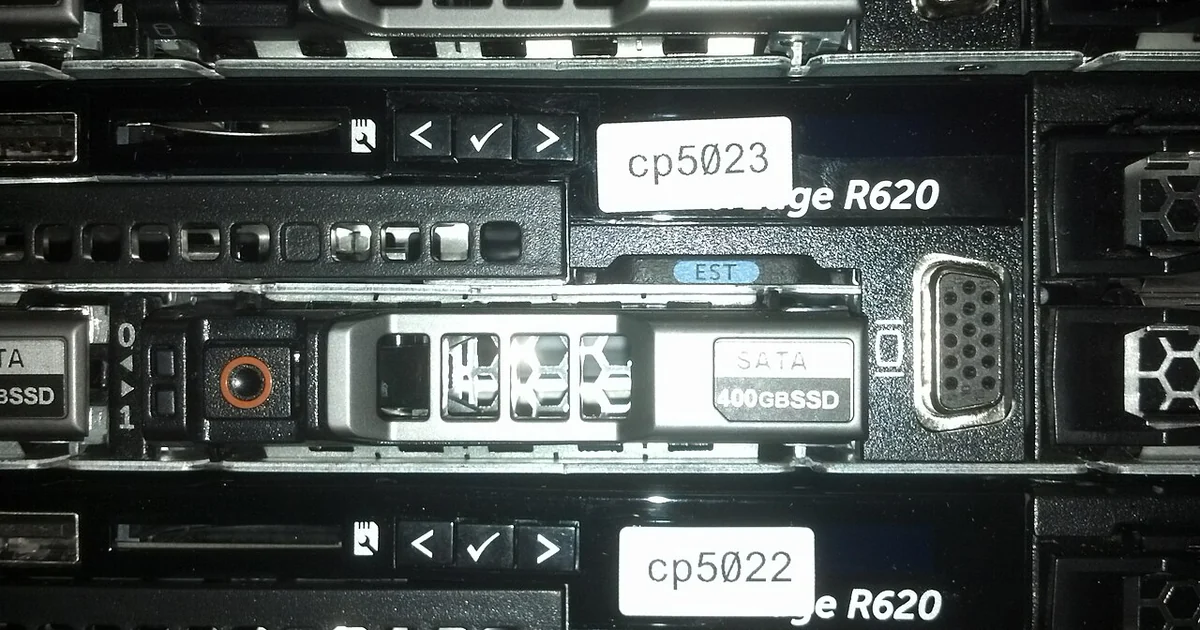
When you open a support request, attach or paste the relevant log entries rather than summarizing them from memory. Include the system names as your team knows them, such as 'front-desk PC' or 'shared accounting drive,' and any asset labels you have. If you keep a list of equipment serial numbers and locations, include the entries for the devices involved. This removes a round of back-and-forth about which machine is meant.
Confirm who is authorized to make decisions on your behalf and how that person can be reached during business hours. Clarify what the helper may and may not change without asking first. Writing this down before a crisis is far easier than negotiating it during one. A basic scope note, even a single paragraph, prevents misunderstandings about remote access, after-hours work, and whether a fix requires approval.
Keep a current list of which accounts, email addresses, and contact numbers are tied to your systems. Note who receives vendor notices and who renews subscriptions. You do not need to store passwords in the log; store only the information that helps a responsible person locate the right credential through your own secure process.
A Practical Checklist
Before your next remote support request, check the following: Is there a dated log entry for the problem? Does the entry name the person who noticed it and the first time it appeared? Is the symptom described in observable terms, with any error text copied exactly? Has the team recorded recent changes, including updates, moves, and outages? Are the attempted fixes listed in order, with their results? Is the business impact stated in one sentence? Does the request identify the affected equipment and its location? Is the decision-maker and their contact information clear? Are the boundaries for remote changes written down?
If you can answer yes to most of these, your support request will likely move faster, and the helper can spend time solving the problem rather than gathering basic facts. If several answers are no, that is a sign to tighten the log habit before the next incident, not after. A small, consistent practice pays off most on the day something unexpected happens.