Field Visit Handover Notes: Capturing the Site Before the Technician Walks In
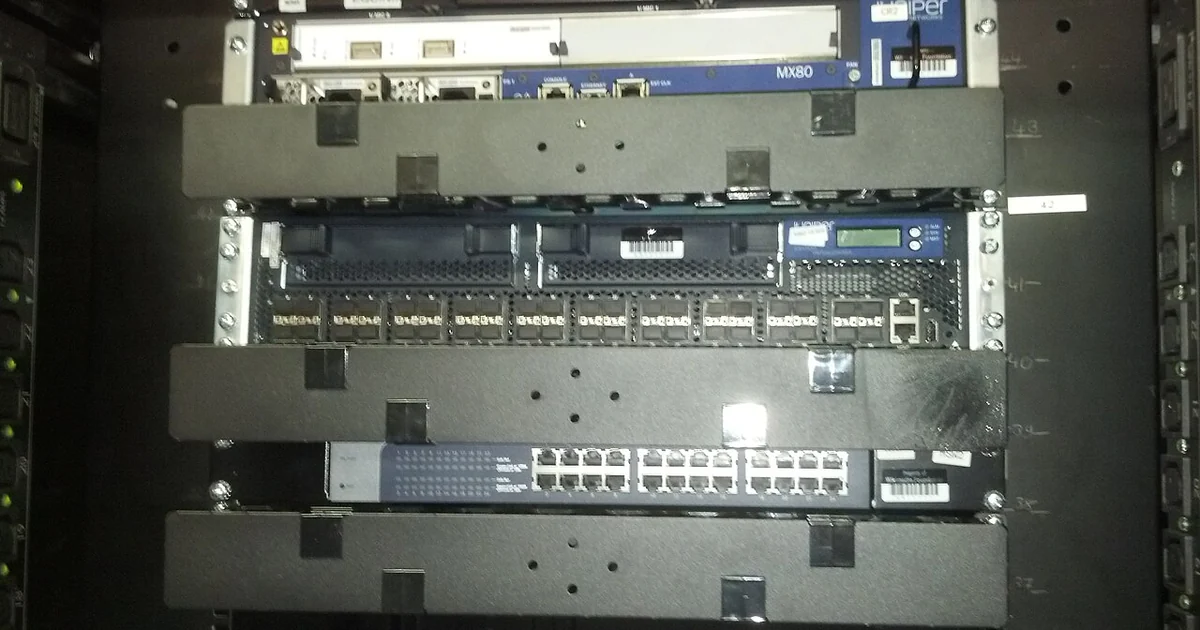
A field visit goes best when the technician understands the site before stepping through the door. Most delays on small jobs do not come from difficult hardware. They come from missing details: nobody knew where the closet key was kept, the building manager had not been told about the visit, or the person who reported the problem was not the person who knew which machine was failing. This article offers a method for building a short handover record that gives a field team what it needs and gives your own staff a clear picture of what was asked for. The approach is general and applies to any business that sends people to its premises to install, repair, or inspect equipment.
Start With the Question the Visit Must Answer
Before listing anything about the site, write one sentence describing what the visit is supposed to accomplish. A technician sent to 'look at the network' has a different day than one sent to replace a failed access point in the reception area and confirm that the front desk printer can reach the file server. A specific sentence keeps the handover focused and makes it obvious when a detail is missing.
Ask who defined that goal. If the owner, office manager, and the person who will actually sit near the equipment describe the problem differently, resolve the disagreement before the visit. A short written statement agreed by two people is far more useful than a long email thread nobody finishes reading.
Record Access, Timing, and Contacts
Access problems are the most common source of wasted visits. Note the arrival address, the entrance to use, whether an escort is required, and who will be present when the technician arrives. If the building has a sign-in book, badge system, or after-hours code, write down where that information lives rather than assuming a visitor will receive it in time.
List at least two contacts for the day, with the role of each person. One should be someone who can authorize work, and one should be someone who knows the equipment. Include the times that person is unavailable. A technician who cannot reach anyone on site may have to leave, and that outcome costs your business the time of everyone involved.
Confirm whether the technician needs to coordinate with a landlord, property manager, or other tenants. Shared server rooms, roof access for antennas, and locked comms closets often require permission from someone outside your company.
Describe the Equipment in Plain Terms
Good handover notes describe what people can see. Write the make and model if known, the location in the room, the approximate age, and any labels or asset tags visible on the device. If a device has no label, say so and describe its position relative to something easy to find, such as the door or the largest window.
Include the symptoms as observed, not as diagnosed. 'The second floor printer shows an error light and prints blank pages' is more helpful than 'the printer is broken.' Note when the problem started, whether it happens every time or intermittently, and what changed around that time, such as a new software update, a power outage, or a move of furniture.
If someone already tried a fix, record what was done and the result. Repeated steps waste time and can make later diagnosis harder.
Separate Scope From Wishes
Every field visit has a boundary. Decide in advance what the technician is authorized to touch and what is out of scope for this trip. Replacing a failed switch may be in scope, while reconfiguring the entire office network may need a separate approval and a different visit.
Write down any system, room, or device the technician should not change or access. This protects both sides. It also prevents the common situation where a visit expands mid-day because someone asked a reasonable question that turned into an unplanned project.
When a requested item falls outside the agreed scope, note it on the record as a future request rather than discarding it. That keeps good ideas from being lost while keeping today's work on track.
A Practical Handover Checklist
Use the following questions as a checklist before each visit. You do not need a special form; a shared document with these headings is enough. First, what is the single goal of this visit? Second, where exactly is the site, and how does the technician get in? Third, who is on site, what are their phone numbers, and when are they available? Fourth, what equipment is involved, where is it, and what labels or serial numbers are visible? Fifth, what symptoms were observed, when did they start, and what has already been tried? Sixth, what is in scope, and what is explicitly out of scope? Seventh, are there any permissions needed from a landlord, building manager, or other party?
Once the visit is complete, compare the record against what actually happened. Note which questions were answered well and which caused delays. Over several visits, this review reveals patterns, such as a building that always requires advance notice or a closet whose key is never where people expect it. Each correction improves the next handover.