A Practical Checklist for Moving Business Systems Out of an Aging Server Room
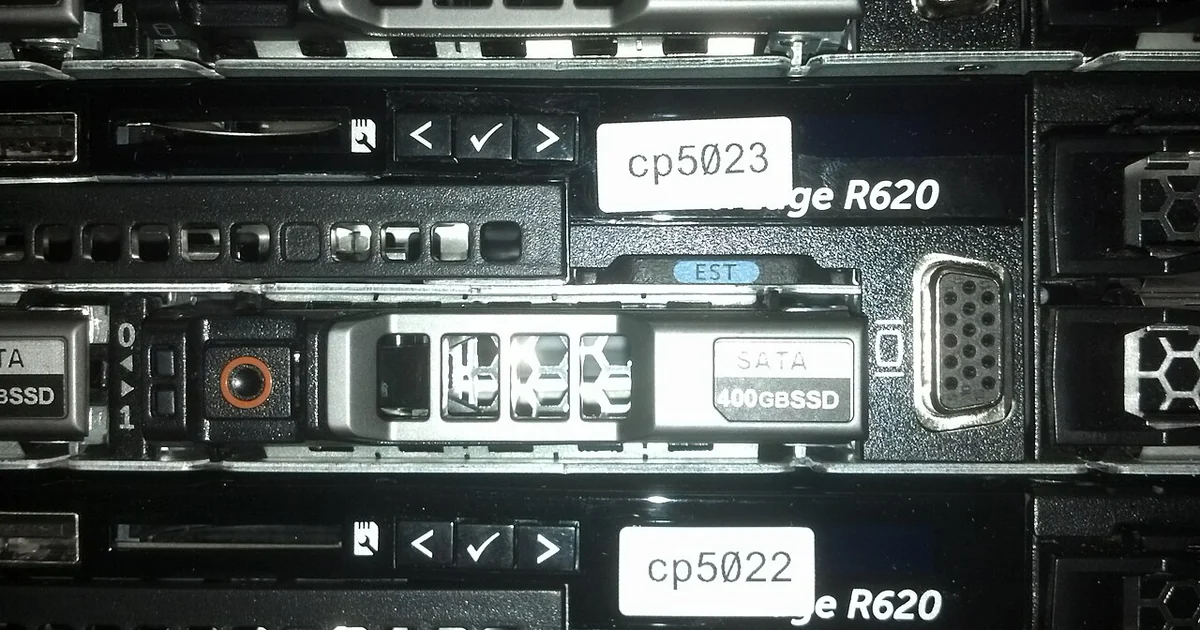
Most small businesses do not move their computers on purpose. The move happens when a server fails, a lease ends, a building is sold, or a growing company outgrows a closet that was never designed to hold equipment. When that moment arrives, the people responsible often discover that nobody has a complete picture of what runs where, what depends on what, and who can approve changes. A data center migration is far less frightening when it is treated as a sequence of documented steps rather than a single leap. This article walks through a practical checklist you can adapt to your own environment, along with the questions worth asking any provider you bring in to help.
Start with an honest inventory
Before you decide where anything is going, write down what exists today. Include physical servers, network switches, firewalls, storage arrays, backup devices, uninterruptible power supplies, and any appliance that quietly sits in a corner doing a job. Many small offices discover a forgotten print server, an old accounting machine, or a licensing dongle attached to a workstation only when it stops working during a move.
For each item, record the make, model, approximate age, location, warranty status, and the business function it supports. Note who the owner or primary user is. If a device has no clear owner, mark it as a question to resolve rather than assuming it can be retired.
Equally important is the software side. List operating systems, major applications, databases, line-of-business tools, and any system that talks to an outside service such as payroll, banking portals, or customer ordering. An inventory that covers only hardware will miss the reasons a migration succeeds or fails.
Map dependencies before you touch anything
A dependency map shows which systems rely on which others. A file server may depend on an Active Directory or domain controller for user logins. An application may depend on a specific database version, a fixed IP address, or a license server that checks for a particular network path. These relationships determine the order in which things can move and what must stay available during the transition.
Draw the map as a simple diagram or table. Mark each dependency as either hard, meaning the system cannot function without it, or soft, meaning it degrades but keeps running. Pay special attention to hard-coded IP addresses, DNS entries, scheduled jobs, and printers or scanners that expect a fixed location.
Ask the people who use each system what they do with it. Users often reveal workflows that appear nowhere in documentation, such as a nightly export that feeds a spreadsheet used by a bookkeeper.
Define what success looks like
Write down the conditions under which the migration counts as complete. Useful criteria include: every listed application opens and completes its core task, users can sign in with their normal credentials, printing and scanning work from every floor or room, scheduled jobs run at their usual times, and reporting or export functions produce expected output.
Also define what you will not accept. For example, you might decide that no business-critical application may remain offline for longer than an agreed window, or that a rollback must be possible until the old environment is formally retired. Stating these limits in advance keeps decisions calm when problems appear mid-project.
Plan testing and the cutover sequence
Testing should happen before users depend on the new environment. Build a test checklist that mirrors real daily work: open the main files, run the most common report, process a sample transaction in a non-production copy where possible, send and receive email, and verify that remote access behaves as expected. Have each business owner sign off on the tests relevant to their area.
Choose a cutover sequence that moves the least sensitive systems first and the most critical last. Schedule the final switch for a period with the lowest business impact, and communicate the timing to every affected person in writing. Keep the old environment intact and powered until the new one has run through at least one full business cycle, such as a month-end close.
Make sure someone is named as the decision maker during cutover. When a problem appears at four in the afternoon, the team should know who decides whether to proceed or roll back.
Questions to ask any provider you hire
If you bring in outside help, the most useful thing you can do is ask specific questions and compare answers in writing. Ask who will perform the physical work and who will be accountable if something goes wrong. Ask how they will document your existing setup, what they will hand over at the end, and how changes will be approved. Ask what they need from you in advance, including access, credentials, licensing details, and availability of business owners for testing.
Request a written scope that lists what is included and what is excluded. Ambiguity about excluded items is a common source of surprise costs and delays. Confirm how questions and issues will be handled after the cutover window closes.
A practical comparison is to ask each candidate the same five questions and score the clarity of their answers: how they inventory, how they map dependencies, how they test, how they cut over, and how they document the result. Vague answers in any area are a signal to probe further before committing.
A closing checklist
Before you call the migration finished, confirm that the inventory is updated to reflect the new state, that the dependency map has been revised, that credentials are stored securely with named owners, that the old equipment is labeled and scheduled for proper disposal or reuse, and that the business owners have signed off in writing. Keep the documentation somewhere everyone who needs it can reach, and schedule a short review in three months to catch anything that only surfaces during normal operations.
A migration done with patience and paperwork rarely feels dramatic. That quiet outcome is the goal.