Data Center Migration: Dependency Mapping Before You Pick a Date
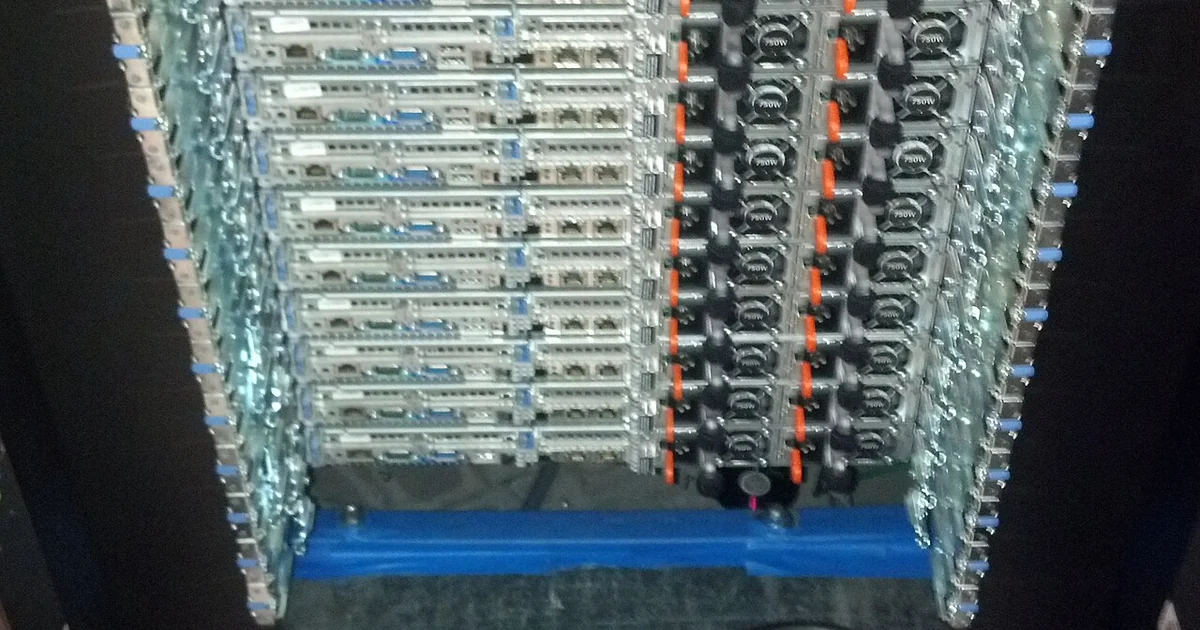
Most migration plans are built around the systems people remember. The file server, the accounting database, the email relay, the point-of-sale terminal that talks to a printer in the back room. The trouble usually comes from the system nobody listed: a scheduled script that copies logs to a machine in the closet, a printer that authenticates against a directory service, or a reporting tool that quietly reads from a database someone thought was retired. Dependency mapping is the step that surfaces these links before you choose a cutover date. It takes time, but it converts a migration from a gamble on memory into a sequence of verified moves. This article walks through how a small business can build a dependency map, what to ask, and how to use the map to decide the order of operations.
Start With Traffic, Not Inventory Lists
A hardware inventory tells you what sits in the room. It does not tell you what talks to what. Begin with the network itself. Collect a list of internal addresses and the services they expose, then look at which devices connect to them and on which ports. Firewall logs, switch port statistics, and DHCP lease records can each reveal patterns, even when they are incomplete. If your environment does not log connections, the first task is to turn logging on for a defined observation window, long enough to capture month-end jobs, weekly backups, and any seasonal activity.
Record what you observe in a simple table with four columns: source, destination, protocol and port, and frequency. Frequency matters because a nightly job that runs at 2 a.m. will not appear in a quick afternoon check. Keep the table in plain form that anyone on your team can read and update. The goal at this stage is coverage, not perfection.
Interview the People Who Use the Systems
Logs cannot tell you why a connection exists. Sit down with the people who run payroll, invoicing, scheduling, or customer intake and ask them to walk through a normal week. Ask what they open, what they print, which spreadsheets they pull data from, and what happens when a system is slow or unavailable. Their answers often reveal dependencies that no log would show, such as a manual step where someone copies a file from one machine to another every Friday.
Write down each named system and the people who depend on it. Mark any system where only one person knows how it works. Those single points of knowledge are migration risks in their own right, and they should be documented before anything moves.
Classify Dependencies by Cutover Impact
Once you have a map, sort each dependency into one of three groups. The first group contains dependencies that must move together, such as an application server and the database it cannot run without. The second contains dependencies that can be redirected with a configuration change, such as a file share path or a DNS name that can be pointed at a new address. The third contains dependencies that are fragile or undocumented, and these deserve the most attention before any move is scheduled.
This classification determines sequencing. Components that must move together belong in the same window. Redirectable dependencies can often move later, once the new location is verified. Fragile items should be investigated until someone can explain them in one or two sentences. If no one can, treat that as a finding in itself, not as a detail to resolve on cutover night.
Questions to Settle Before Choosing a Date
A dependency map is only useful if it drives decisions. Before you pick a cutover date, the team should be able to answer several questions in writing. Which systems depend on hardware that is reaching end of support? Which services use hardcoded IP addresses, and who has the authority to change them? Which scheduled tasks run on the systems being moved, and what happens if they run twice or not at all? Which external parties, such as a vendor or a customer portal, need an updated address or allowlist entry?
Also ask who will be available during the window and who can authorize a rollback. If the answers are unclear, the date is premature. A cutover scheduled before these questions are settled tends to produce the kind of urgent troubleshooting that a calm planning session would have prevented.
A Short Checklist for the Dependency Phase
Confirm that logging ran for a full business cycle, including any monthly or quarterly jobs. Confirm that every system on the inventory has at least one named business owner and one technical contact. Confirm that every dependency is classified as move-together, redirectable, or fragile. Confirm that each fragile item has a written explanation or an open task to resolve it. Confirm that DNS names, certificates, and any allowlists tied to the environment are listed with their owners. Confirm that a rollback owner is named for each move group.
When these items are complete, the map becomes the backbone of your migration schedule. You can then order moves by dependency rather than by convenience, and you can explain to staff exactly what will change and when. That clarity is most of what separates a planned move from an emergency.